SafeLine install docs
Install SafeLine WAF with Docker on Linux.
This local guide mirrors the official deployment flow, but keeps the commands and explanations on this site so users can finish the install without jumping away first.
This local guide mirrors the official deployment flow, but keeps the commands and explanations on this site so users can finish the install without jumping away first.
Step 0
SafeLine is a Linux-first deployment. Before installing, confirm the host has enough resources and supports the required Docker stack.
| Operating system | Linux |
|---|---|
| Instruction architecture | x86_64, arm64 |
| Docker | 20.10.14 or above |
| Docker Compose | 2.0.0 or above |
| Minimum environment | 1 core CPU / 1 GB memory / 5 GB disk |
| CPU instruction | ssse3 |
uname -m                                   # View instruction architecture
docker version                             # View Docker version
docker compose version                     # View Docker Compose version
cat /proc/cpuinfo | grep "processor"       # View CPU info
free -h                                    # View memory info
df -h                                      # View disk info
lscpu | grep ssse3                         # Check CPU ssse3 instruction
Recommended
This is the simplest path. It starts the automated SafeLine installer and requires root privileges. When the command finishes successfully, jump to the Web UI section.
bash -c "$(curl -fsSLk https://waf.chaitin.com/release/latest/manager.sh)" -- --enAlternative path
Use manual deployment when you want to inspect the compose file, control the install directory, or understand exactly what gets written to disk.
curl -sSL "https://get.docker.com/" | bashSafeLine writes configuration and data into this directory. Keep at least 5 GB of disk space available.
mkdir -p "/data/safeline"cd "/data/safeline"
wget "https://waf.chaitin.com/release/latest/compose.yaml"cd "/data/safeline"
touch ".env"Open .env and write the following values. Replace {postgres-password} with a strong password.
SAFELINE_DIR=/data/safeline
IMAGE_TAG=latest
MGT_PORT=9443
POSTGRES_PASSWORD={postgres-password}
SUBNET_PREFIX=172.22.222
IMAGE_PREFIX=chaitin
ARCH_SUFFIX=
RELEASE=
REGION=-g
MGT_PROXY=0
ARM servers should set ARCH_SUFFIX=-arm. SafeLine installed on ARM requires a Pro license to work properly.
The LTS branch is no longer maintained starting from 9.1.0-LTS, dated August 14, 2025. New installs should normally use the latest release.
This process can take several minutes while images are pulled and containers start.
cd "/data/safeline"
docker compose up -d
Login
Open the management console in your browser. Replace <safeline-ip> with your server IP.
https://<safeline-ip>:9443/docker exec safeline-mgt resetadminThe command prints the initial username and password. Save them immediately.
[SafeLine] Initial username:admin
[SafeLine] Initial password:**********
[SafeLine] Done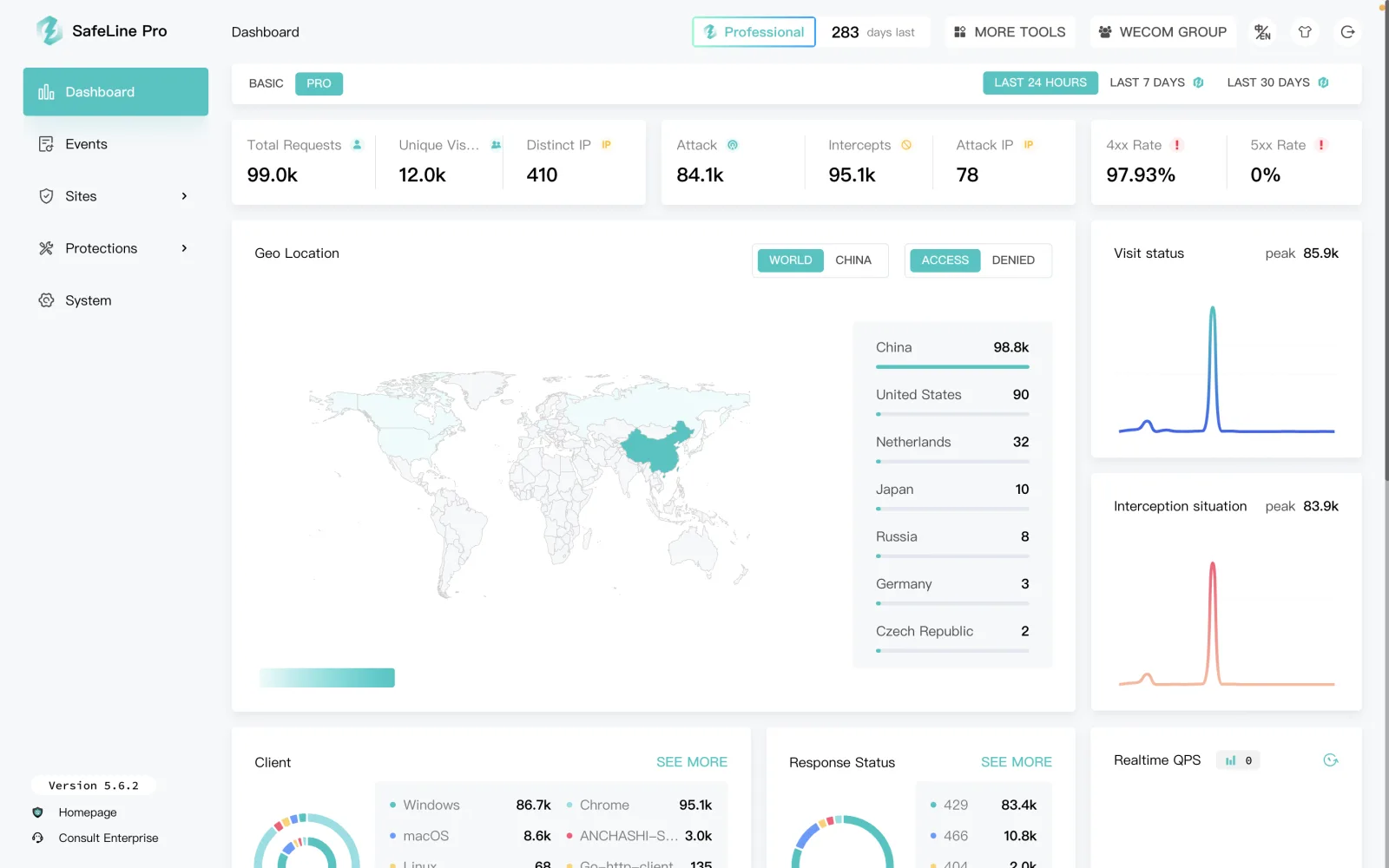
Cleanup
If you are sure you no longer need SafeLine, stop the services and remove the install directory. Replace <safeline-directory> with your real directory, such as /data/safeline.
cd <safeline-directory>
docker compose down
rm -rf <safeline-directory>If Docker, CPU flags, image pulls, console ports, or login reset commands fail, use the official docs and FAQ as the final troubleshooting source.